Sikwin Login
Find the login steps, password recovery guidance and help with common account access problems on the app or mobile website.
View Sikwin login help
Get to know Sikwin. Find login help, explore the app and check download information, all in one place.
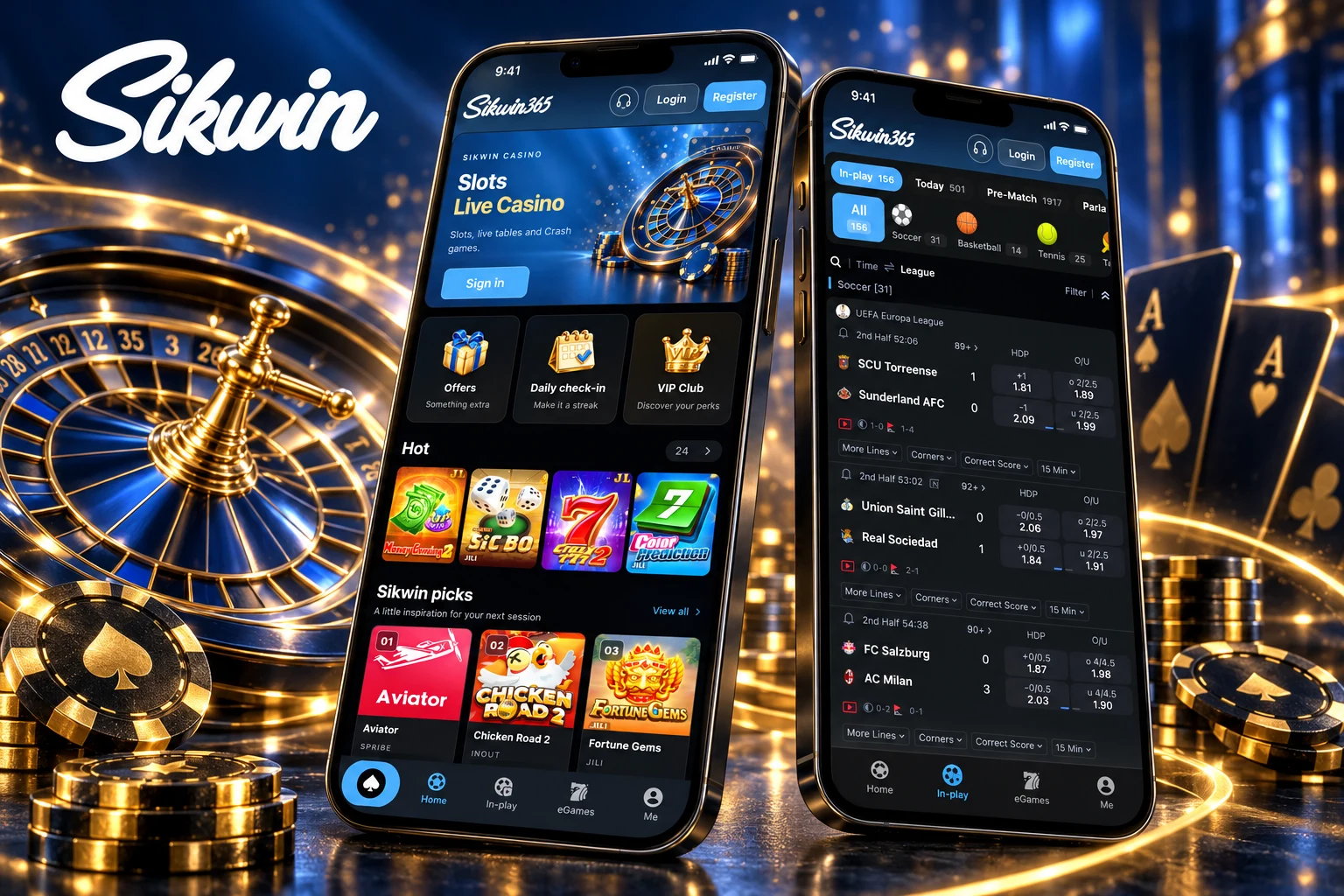
Sikwin is an online platform for sports betting and live casino games. You can play live casino tables, eGames and lottery games, and bet on sports, including cricket. You can also switch the language and choose a light or dark mode.
Our Android app works on Android 8.0 and above. Sikwin is available in several languages, including Hindi, English, Thai, Vietnamese and Portuguese. Sikwin is licensed and regulated by the Government of the Autonomous Island of Anjouan, Union of Comoros, under License No. ALSI-132405043-FI3.
Returning to your account or exploring Sikwin for the first time? Choose login help, the app overview, download instructions or common questions.
Find the login steps, password recovery guidance and help with common account access problems on the app or mobile website.
View Sikwin login helpExplore the mobile layout, navigation and account settings. Understand how the app experience compares with using a mobile browser.
Explore the appRead the download and installation guide before choosing a file. Check the source, device requirements and available options for your phone.
Read the download guideFind answers about account access and common mobile issues. Check what to do when a page, login or installation does not work.
Browse common questions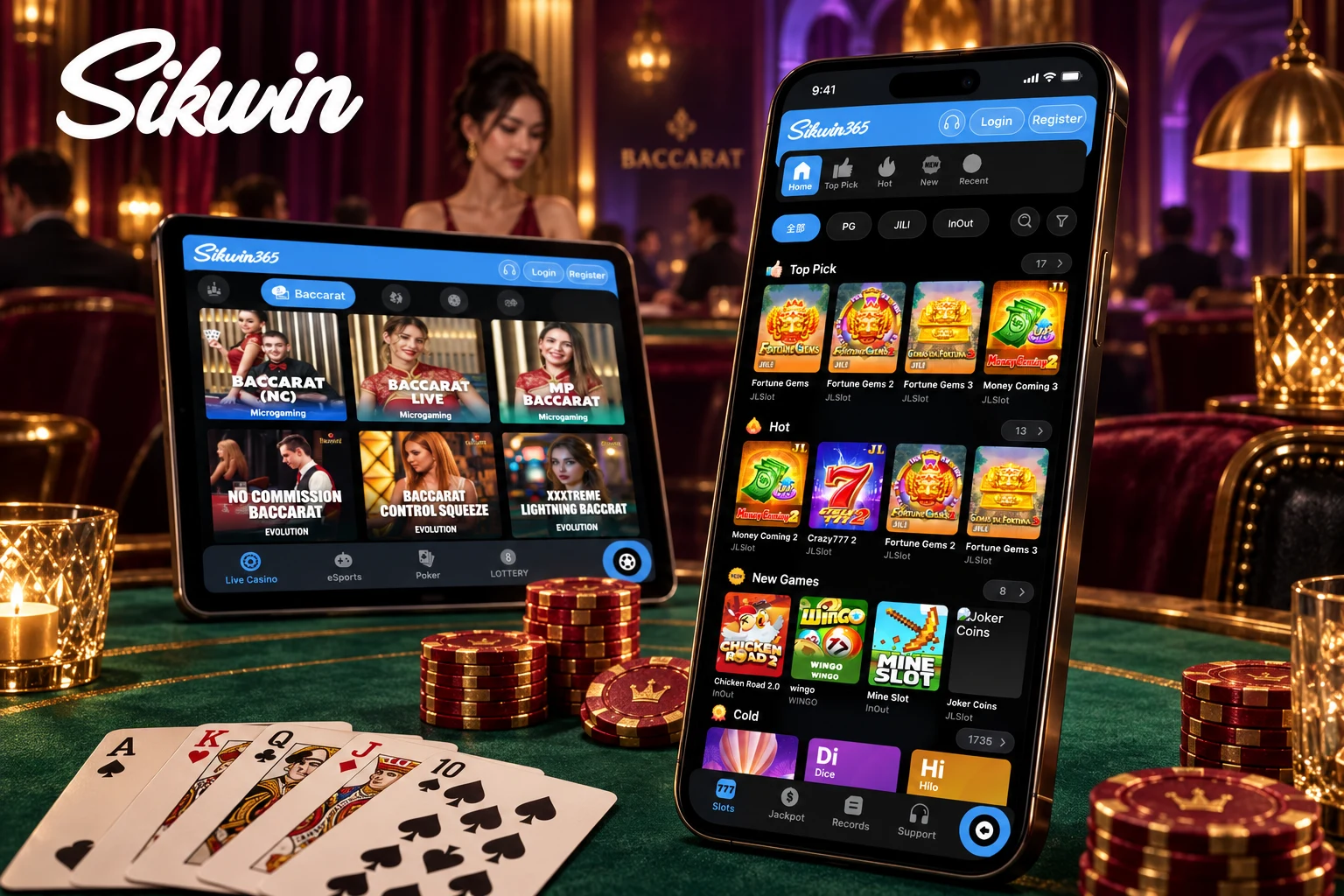
Illustrative render using supplied interface screenshots.
Before installing anything, get familiar with the interface. The mobile layout includes a bottom navigation bar with shortcuts to Home, In-play, eGames and Me.
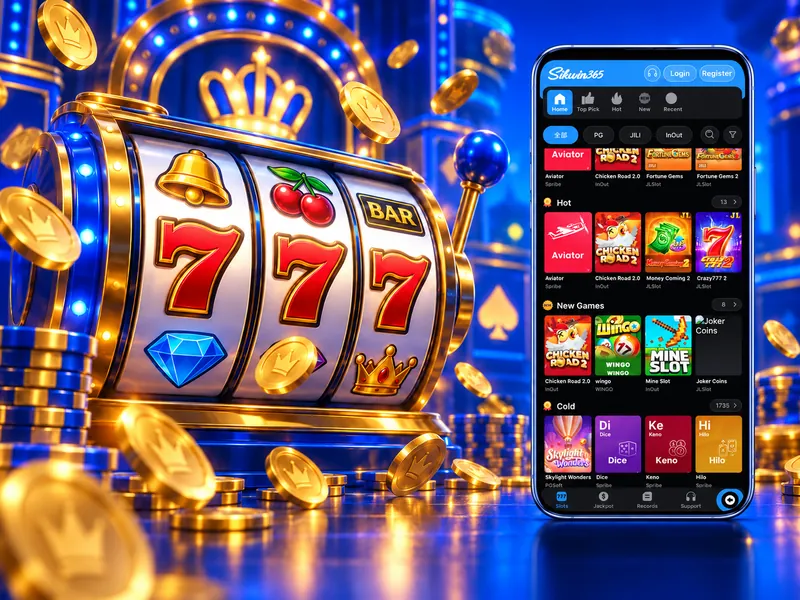 THE GAMES LOBBY
The eGames screen groups titles into sections such as Top Pick, Hot and New Games, with provider filters and search controls. It includes games from providers such as PG.
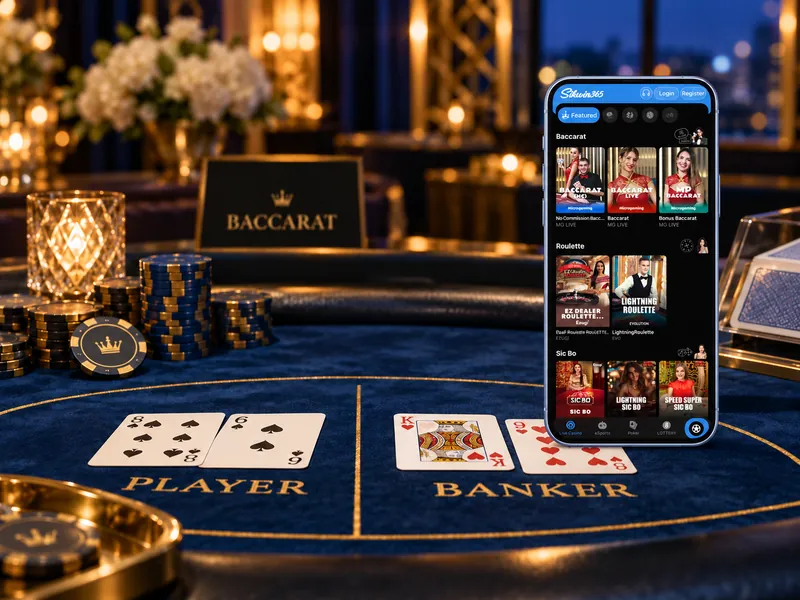 LIVE TABLES
The live casino screen has real-time tables with live dealers, from providers such as Evolution and Ezugi. Check the table rules before you play.
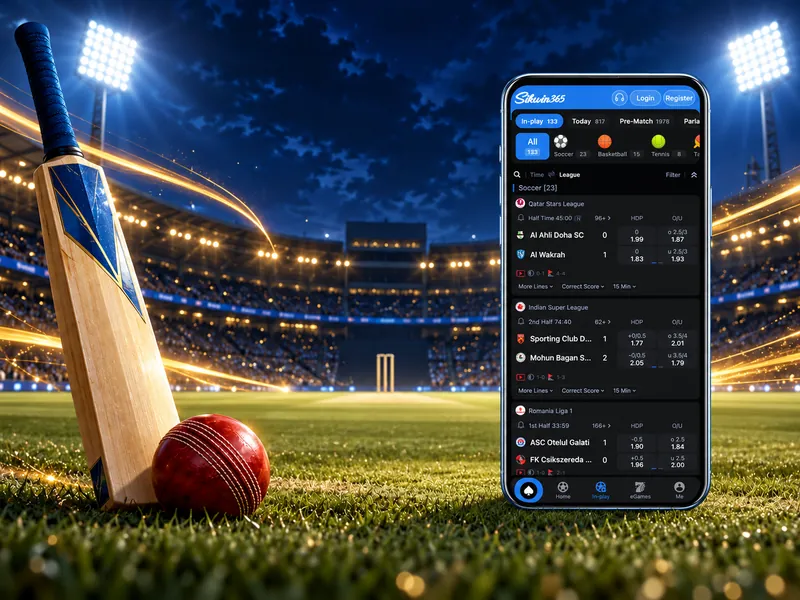 SPORTS VIEW
Our sportsbook, powered by BTi, covers cricket and other sports. The screen separates in-play events from upcoming matches and groups them by sport and league. Scores, schedules and markets change quickly.
Screens and labels may differ by version or region.
To get started, register, make your first deposit and start playing.
Start here, then follow the detailed guide for your device or question.
You can find information about Sikwin, our mobile interface, app download guidance and answers about your account.
Yes. The Android app works on Android 8.0 and above.
You can register with a username or sign in quickly with your Google account. Tap Register and follow the steps. You must be 18 or older.
Sikwin supports PhonePe, UPI and bank cards.
The minimum deposit is ₹100 and the minimum withdrawal is ₹100.
E-wallet and bank transfer payments are usually free or have low fees. Check the fee shown on the payment screen before you confirm.
Withdrawals are usually paid within 2 hours after your request is approved. The exact time can depend on your bank.
Yes. Sikwin is licensed and regulated by the Government of the Autonomous Island of Anjouan, Union of Comoros, under License No. ALSI-132405043-FI3.
Sikwin supports several languages, including Hindi, English, Thai, Vietnamese and Portuguese.
No. A mobile website opens in a browser, while a native app is installed on your device. A browser shortcut can also look like an app icon. Check which option is actually offered and supported before downloading.
No. An APK is an Android installation package and cannot be installed on an iPhone. iPhone users can use the Sikwin mobile website in the browser.
Check the address, your connection and your login details, then use the password recovery option. See our FAQ and account help for guidance. If it still does not work, contact Sikwin support.
Yes. sikwin.cc is a Sikwin website. Tap Register or Log In to create an account or get the app.
Explore the app first, or go straight to the download guide for the checks and instructions that matter on your device.
Interface images are illustrative and may differ from the current service. You must be 18 or older to play. Online gaming rules differ between states in India, so check the laws that apply to you. Play responsibly.