
Sikwin FAQs & Troubleshooting
Find answers about the app, downloads and account access. Choose a topic below or follow the detailed guide for your device.
Getting started
What is Sikwin?
Sikwin is an online gaming brand with mobile interfaces for casino games, live casino and sports sections. Start with the Sikwin homepage for an overview.
What does sikwin.cc provide?
We publish information about the app interface, download checks and account access.
Where can I learn how the app works?
The Sikwin App guide explains the illustrated navigation, account settings and differences between native apps and mobile websites.
Downloads and installation
Where do I start with a Sikwin app download?
Read the download guide, choose the relevant device and verify the source before following a package link.
Can an APK be installed on an iPhone?
No. An APK is an Android installation package. An iPhone requires a supported iOS option or mobile website access.
Why will a downloaded file not install?
Check the operating system, package compatibility, storage and the specific error. If the source or a security warning is unclear, verify it before continuing.
Does this website provide the latest Sikwin APK?
We do not host an installation file or verify a current version number here. Check package details at the intended platform's current verified download source.
Login and account access
What should I do if Sikwin login fails?
Check the address, connection, identifier and error shown. The login guide separates password errors, OTP problems and account restrictions.
What if I forget my password?
Use the platform's own password recovery process and the contact method associated with your account. We cannot reset it for you.
Why have I not received an OTP?
Confirm the destination, signal or email inbox, then follow the resend timer. Use the newest valid code and never share it.
Can you unlock an account or change its registered details?
No. Account-specific investigations and identity checks must be handled by the platform's verified support channel.
Mobile website and app issues
The page is blank or keeps loading. What should I check?
Check the address and connection, then try an updated browser. Review any blocked storage or cookie message. Avoid jumping to an unverified mirror site.
Is a home-screen shortcut the same as an app?
No. It may reopen the mobile website rather than run a native app. Check the access method before downloading files.
Where can I change language or display mode?
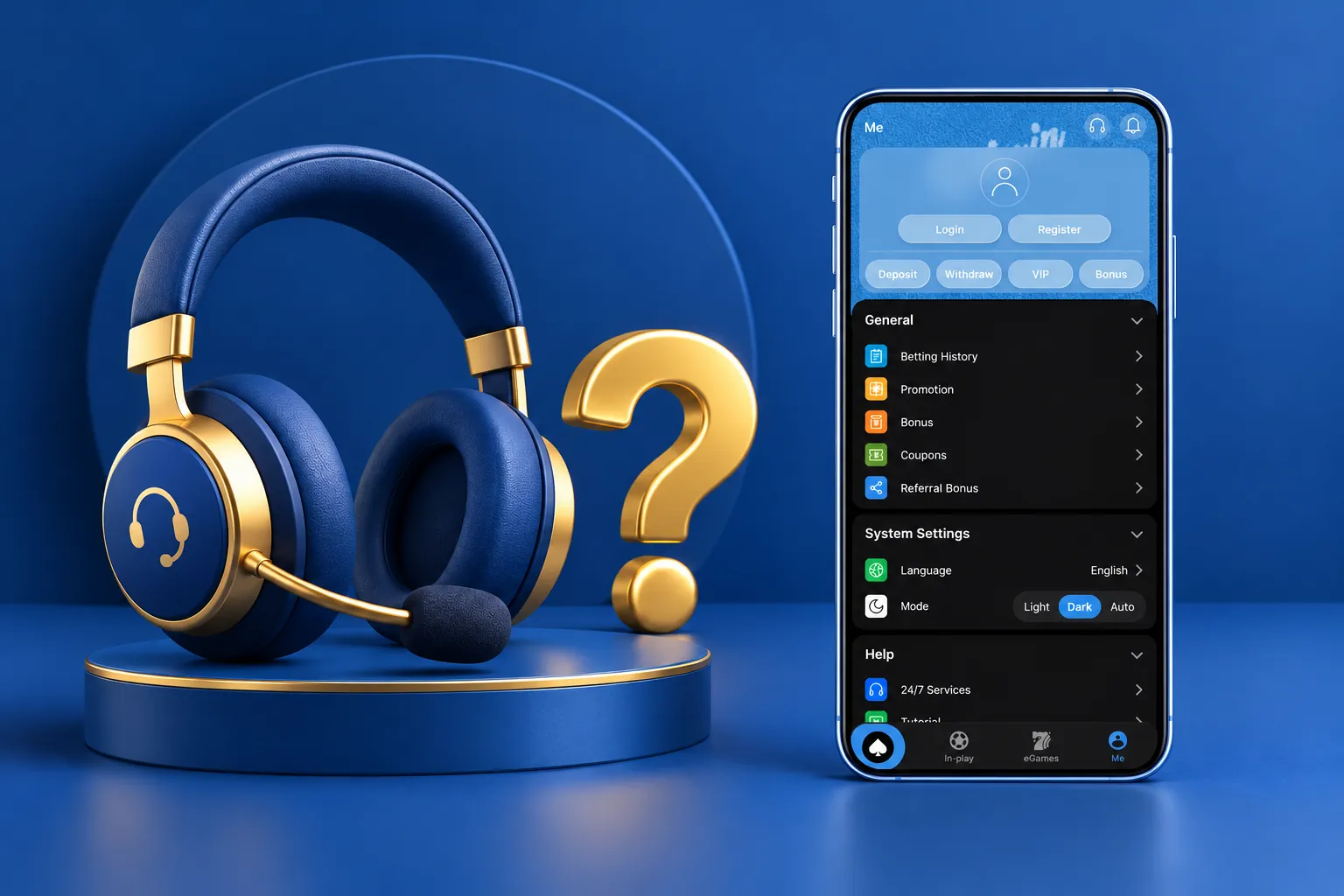
The illustrated Me section groups language and Light, Dark and Auto appearance settings. The exact location can vary in the current version.
Why does the interface look different from the images?
The images are illustrative renders using supplied screenshots. The previews display Sikwin365 branding, and interfaces can differ by version, device and location.
Finding the right support channel
Need help with a specific account?
Use the support option inside the verified platform. Confirm the destination before sending account information. sikwin.cc cannot view balances, check transactions, unlock accounts or resolve payment disputes.
We do not publish an unverified phone number, email address or response-time promise as official Sikwin support.
How to use these Sikwin FAQs
These Sikwin FAQs collect short answers about the app, downloads and login problems. Use the Sikwin FAQs as a starting point, then follow the linked guides for more detail. For account-specific questions, please contact Sikwin support inside the service.
 >