Home and game discovery
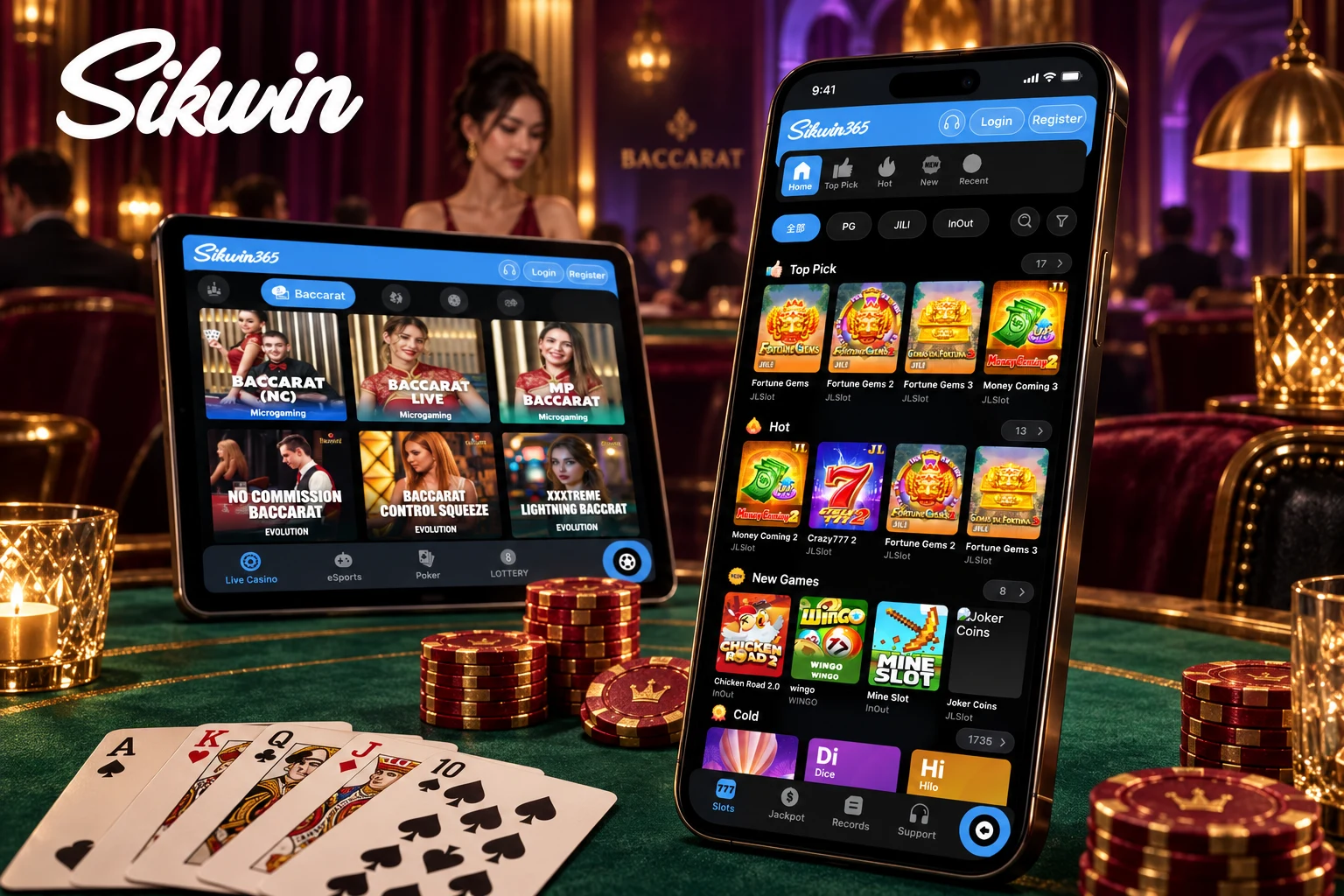
The home screen shows featured sections and game tiles. In eGames you can browse Top Pick, Hot and New Games, filter by providers such as PG, JILI and InOut, and search for a game.

Explore the mobile layout, learn where to find settings and compare app access with the mobile website.
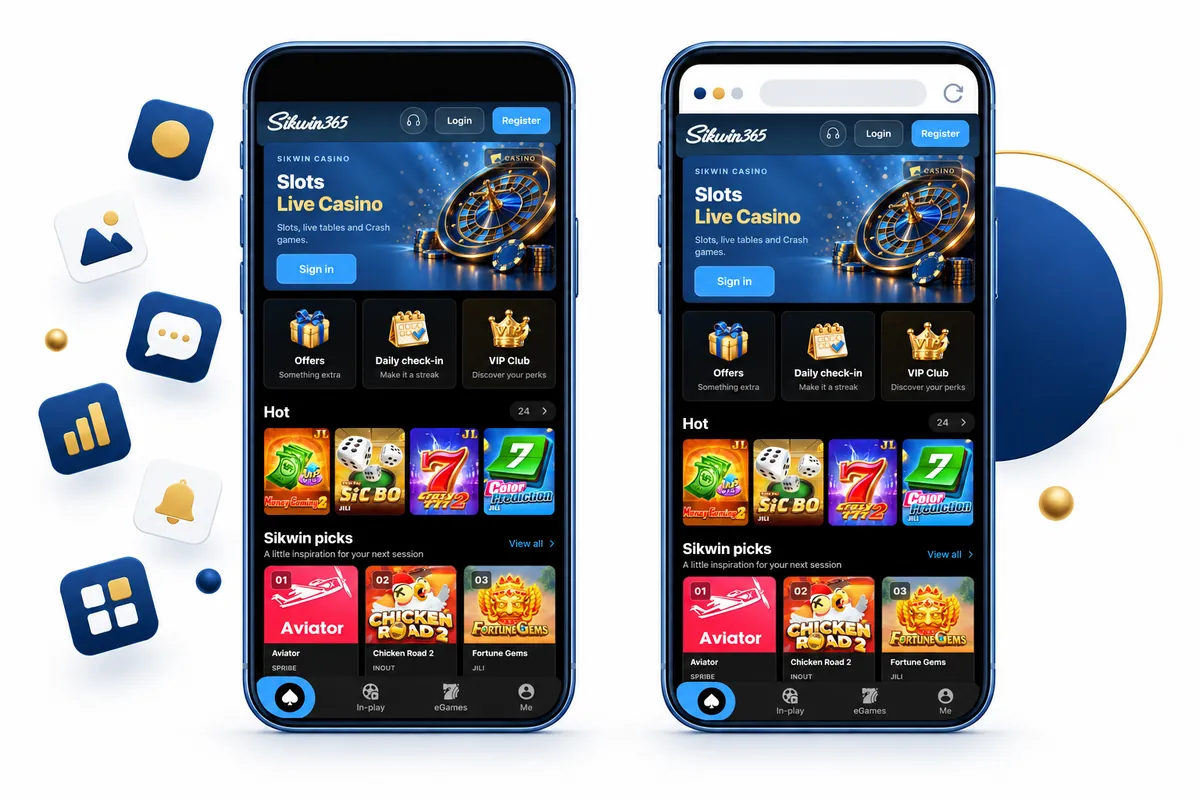
The Sikwin app groups games, sports and your account into separate areas, so you can find what you need quickly. A bottom navigation bar gives you shortcuts to Home, In-play, eGames and Me.
Screens and labels may differ by version.
The home screen shows featured sections and game tiles. In eGames you can browse Top Pick, Hot and New Games, filter by providers such as PG, JILI and InOut, and search for a game.
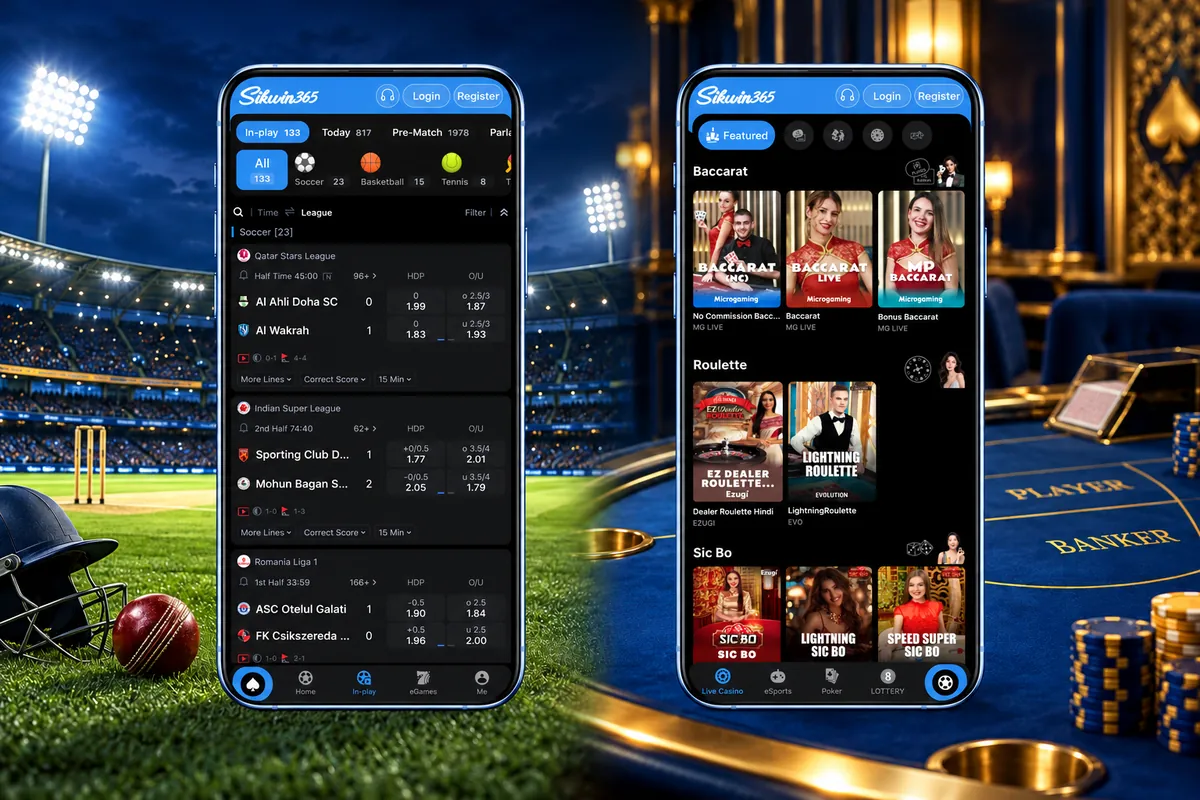
The sports screen has In-play, Today, Pre-Match and Parlay tabs. You can bet on cricket, football, basketball, tennis and more, including Indian Super League matches. Markets include handicap, over/under, corners and correct score. The live casino screen groups tables by category, such as Baccarat, with live tables from Evolution and Microgaming.
The Me section includes Betting History, Promotion, Bonus, Coupons and Referral Bonus, plus language, display mode, 24/7 support and a tutorial.
| Method | Device considerations | Related guide |
|---|---|---|
| Android app / APK | Android 8.0 or above. Download the app from Sikwin: tap Register or Log In to continue. | Android download checks |
| iPhone / iPad | Use the Sikwin mobile website in your browser. The Android app cannot be installed on an iPhone or iPad. | iPhone and browser guidance |
| Mobile website | Works in any phone browser, with nothing to install. A home-screen shortcut opens the website; it is not the installed app. | Mobile browser access |
Sikwin supports Hindi, English, Thai, Vietnamese and Portuguese, among other languages. You can switch language and choose Light, Dark or Auto display mode in the Me section.
To register, use a username or sign in with your Google account. If you cannot log in, see our Login Guide or contact Sikwin support.
The app is installed on your phone, so you can open it anytime, anywhere. The mobile website opens in your browser with nothing to install. iPhone and iPad users can use the mobile website for now.
The app also gives you exclusive app promotions. Both the app and the mobile website let you play and manage your account.
Yes. The Android app works on Android 8.0 and above.
Use the Sikwin App Download guide for Android APK checks, iPhone considerations and installation troubleshooting.
See the Sikwin Login Guide for sign-in steps, password recovery and common login errors.
Categories, game selections and availability can change with each version. Open the app to see what is available now.
Yes. For now, iPhone and iPad users can use the Sikwin mobile website in their browser.
Yes. The app has exclusive promotions. Check the Promotion section in the Me tab.
Yes. The sports screen includes cricket, with in-play betting.
Check that your phone runs Android 8.0 or above and keep it updated. You must be 18 or older to play. Online gaming rules differ between states in India, so check the laws that apply to you. Play responsibly.